


As we navigate the digital landscape of 2026, the convergence of AI and analytics has shifted from a “nice-to-have” featureset to the very engine of growth.
This article serves as a handy refresher on the fundamentals of Google Analytics, and an introduction to how artificial intelligence is giving us new tools for interpreting user data.
In keeping with our own best advice, you’ll find a blend of frequently asked questions and a table of contents designed to guide you from a basic GA4 installation to new AI-driven insights, while referencing some key foundational strategies along the way.
Contents & Quick Answers (FAQ)
1. Getting Started: Installing Google Analytics 4
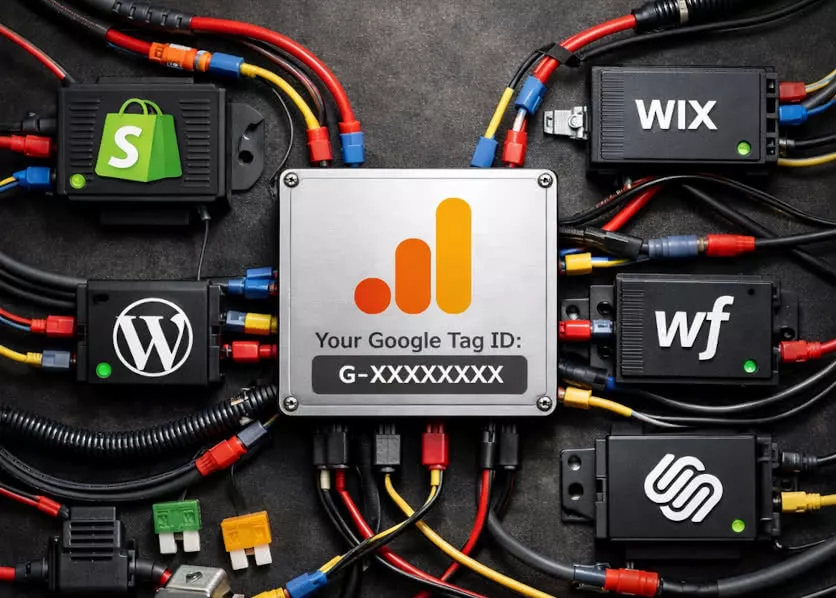
Before we can let the AI run wild with insights, we need a reliable data stream. It’s an age-old topic, but the question remains relevant: Why Setup Google Analytics? In 2026, the answer isn’t just “to see traffic”, these days we need to feed the predictive engines that will drive our marketing strategy.
Due to the value of the data, the GA4 installation process has become remarkably streamlined for major platforms. Whether you are on WordPress, Shopify, Wix, Webflow, or Squarespace, the days of manual code injection are largely behind us, replaced by native “1-click” API integrations and server-side data sharing.
Platform Specifics for 2026
- WordPress: Most modern themes now support Google Tag Manager native injection without plugins, though plugins like Site Kit remain popular for their dashboard widgets.
- Wix, Shopify & Squarespace: These platforms offer direct, native “Marketing Integration” panels that handle client-side and server-side tracking automatically to bypass privacy blockers.
- Webflow & Specialized Builders: Advanced design platforms like Webflow and Duda have also unified their analytics modules, allowing for deep tracking of custom-built interactions with minimal configuration.
If you are still unsure about the foundational differences in the underlying tracking models, referring back to GA4 Explained For Business Owners is a great way to ground yourself before adding the AI layer.
2. Connecting AI to GA4: How hard is it?
The short answer? It’s easier than ever technically, but harder strategically.
In the past, connecting advanced analysis tools meant wrestling with the BigQuery API and might have tempted you into hiring a data scientist. Today, most generative AI business intelligence agents can connect to your GA4 property via secure OAuth flows in seconds.
Perhaps you do not have a budget or trust for a third party and you want to build the connection from scratch? No problem! In fact, tools like Google Antigravity can develop both the connector, a cache to hold historic data locally, and then help you develop local private tools to query your data.
If you do not want to get your hands dirty, try the “Turbo” setting and use the “Agent Manager” mode for tools like Antigravity (and AutoGen Studio, OpenInterpreter, AnythingLLM, etc.) as doing so means the application will only need permissions/clarifications and otherwise work unattended to set you up. Our blog will dive deeper into this exact path very soon!
Even with all these assists, the challenge lies in context. An AI can read your numbers, but it doesn’t know your business goals unless you tell it. This is where setting up Google Analytics Goals becomes critical, and not just for the topics we discuss in this article. Without defined conversion events (Key Events in GA4), the AI is flying blind, unable to distinguish between a “browser” and a “buyer” with no value considerations to sort the quality of your traffic.
3. Using AI to make sense of GA4 data
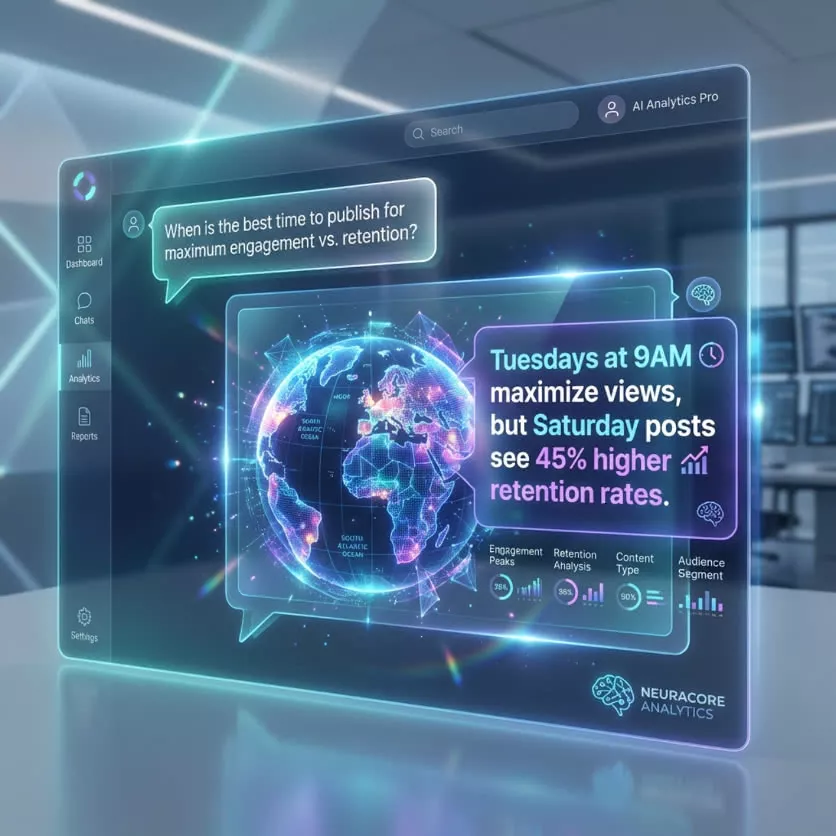
We have all stared at a dashboard full of numbers and felt nothing but confusion, usually before I have had my tea personally. The core promise of implementing AI is Understanding Your Website Visitors without needing a degree in statistics.
Instead of manually hunting for correlations, AI agents can now auto-generate a contextual executive summary suited to your goals. Agents running on a schedule can tie local resources like web server access logs to Google Pagespeed Test results with fresh GA4 data and highlight anomalies, like a sudden spike in bounce rate on mobile, and suggest immediate fixes in the same message. These data advantages allow users to cultivate website performance with easy reports that are pushed to you, rather than you having to pull them.
Fresh Thought for 2026: The best AI prompts for analytics aren’t “Show me the data,” but “Tell me what I missed.” Use AI to act as a devil’s advocate against your own assumptions about website and campaign performance.
4. ROI and User Experience: The Final Frontier
Ultimately, all this technology must serve the bottom line. Whether you are tracking the ROI of Social Media campaigns or refining your SEO strategy, the integration of AI provides a sharper lens on what is actually working and which efforts need a miracle to be worth further attention.
Furthermore, Google’s algorithms haven’t slept. The Google Page Experience Algorithm continues to evolve, now heavily weighing “helpful content” and user satisfaction signals that AI can help you monitor in real-time. By connecting AI to your analytics, you essentially gain access to a 24/7 monitor on User Experience health, alerting you before small issues become ranking disasters.
Ready to Future-Proof your Digital Strategy?

Navigating the complex digital landscape of 2026 requires more than just tools—it requires a partner who understands the strategy behind the data.
If you need someone to tackle these advanced analytics and AI integration topics for you, contact the SEO professionals at Caorda today.
Our team is ready to help you interpret the numbers and turn insights into significant growth.