
This option is available to Domain Administrators. If a user needs their password reset and is unable to do so themselves, a Domain Administrator can reset the password for the user. To view these options you must first select More in the top navigation. From the More menu select Domain Settings.
Select an account
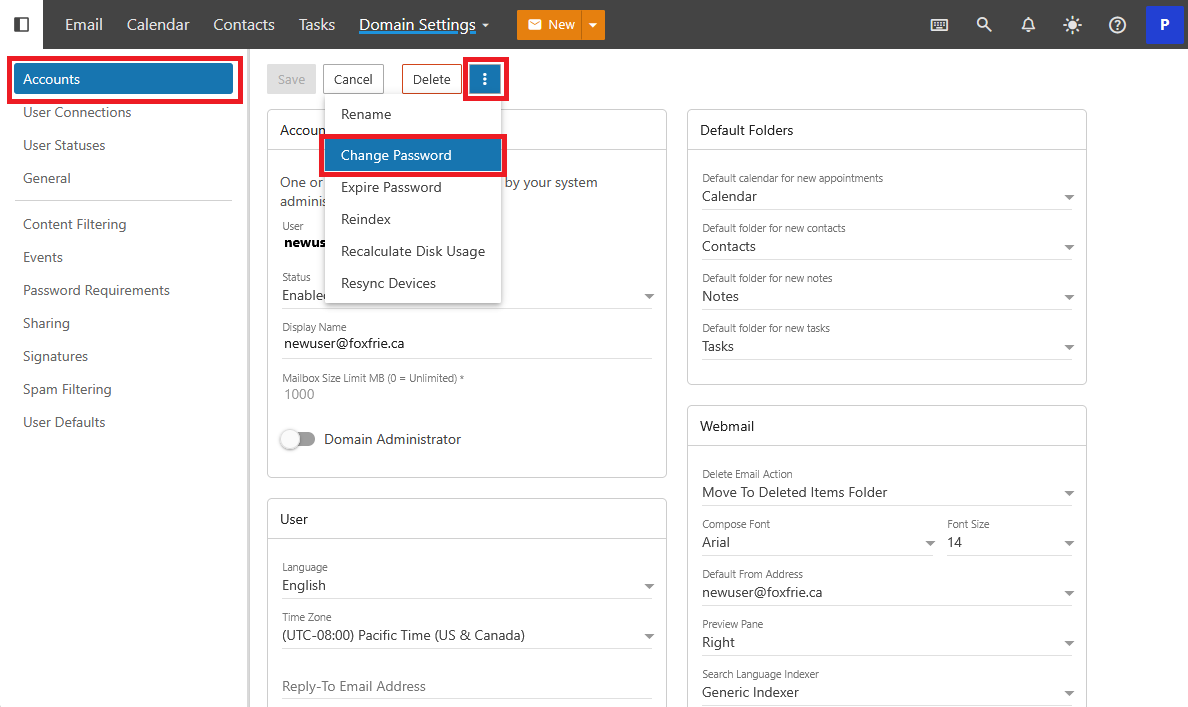
Click Accounts on the left navigation. From the Accounts Screen, click or tap on a User. This will bring you to the Users individual settings. In the Users settings select the triple-dots menu and select Change Password.
Change the users password
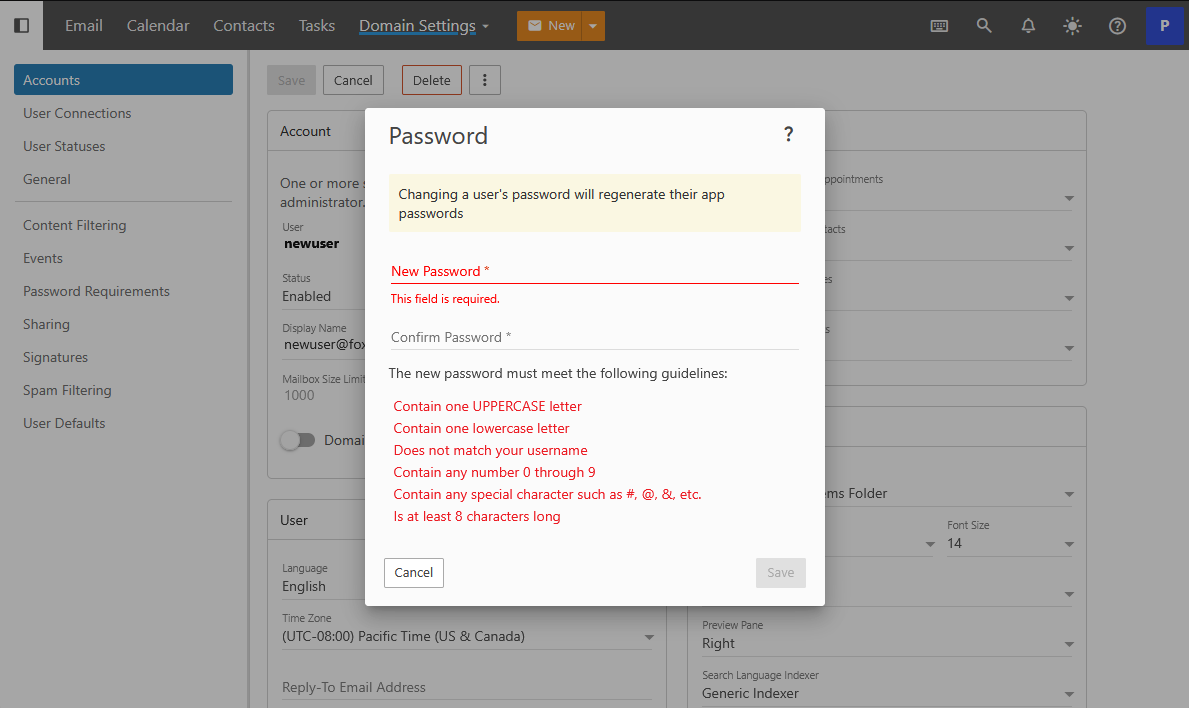
Enter a new password for the user. The new password will have to meet the Domains existing password requirements. When you are done Click or Tap Save.
Confirmation
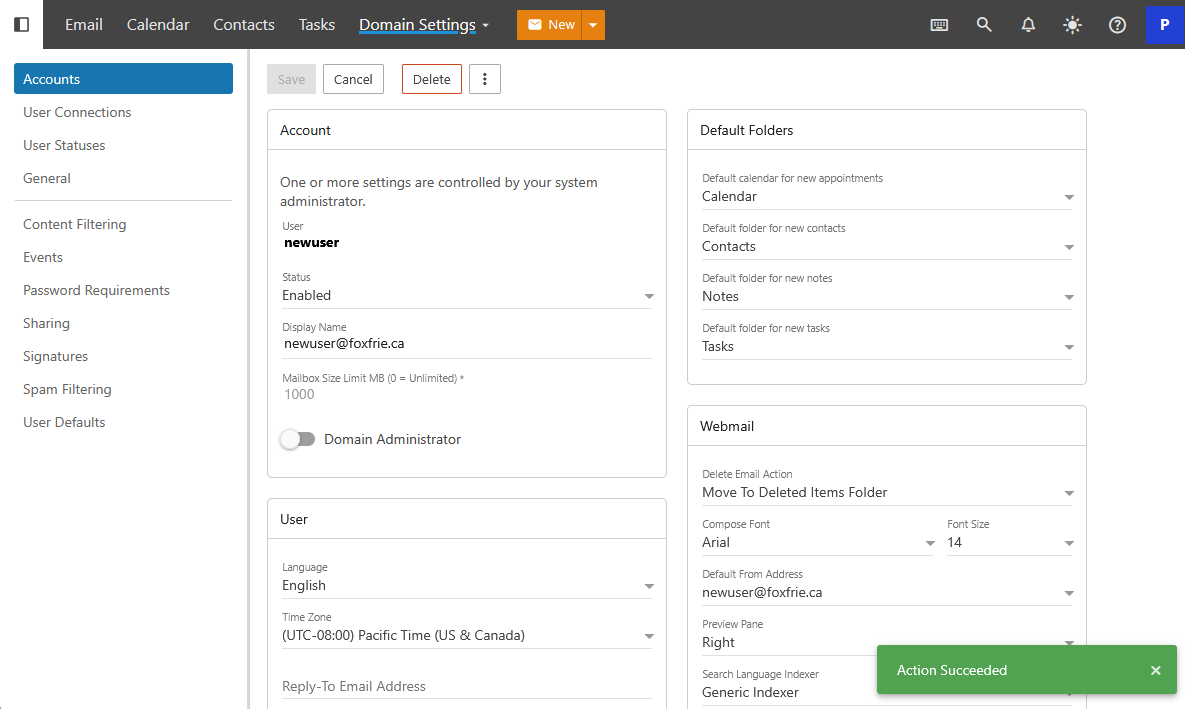
After entering in a new password the system will provide a confirmation prompt that your Action Succeeded.