
This option is available to Domain Administrators. If a user needs their password reset and is unable to do so themselves, a Domain Administrator can reset the password for the user. To view these options you must navigate to the Users management section.
Login to Administer
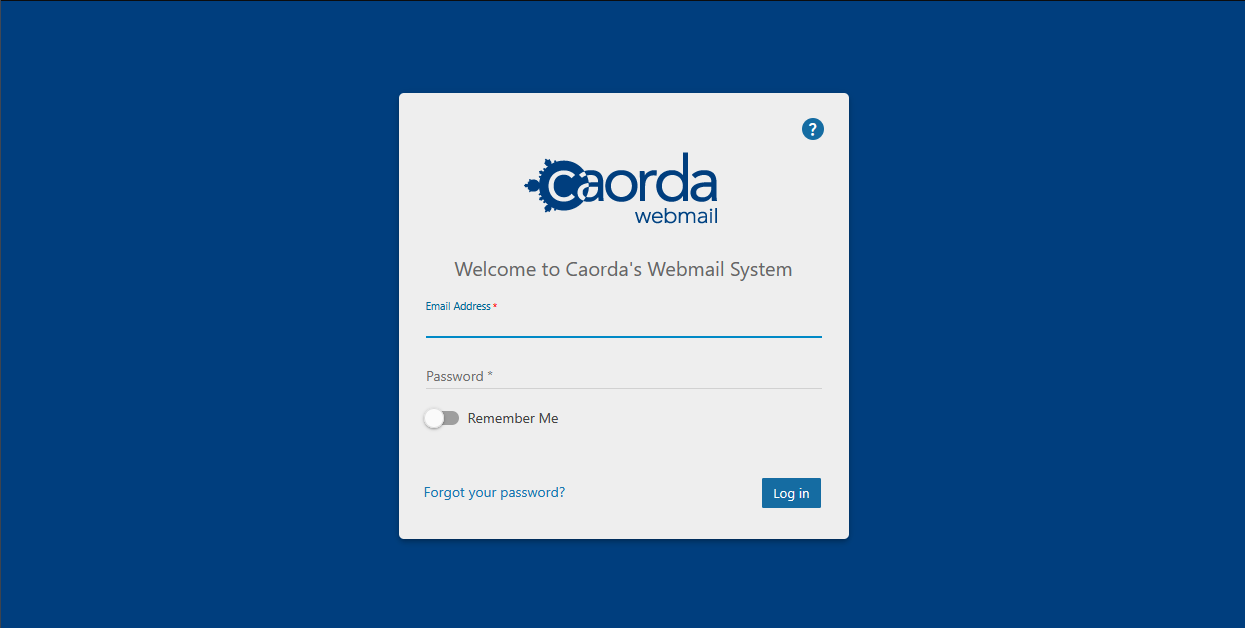
To get started managing your Domain and Users, you will want to login using an account that has been configured as a Domain Administrator. Login using this account and the administration options are available from within the web mail.
Access the Webmail here:
Navigate to the Domain Settings section
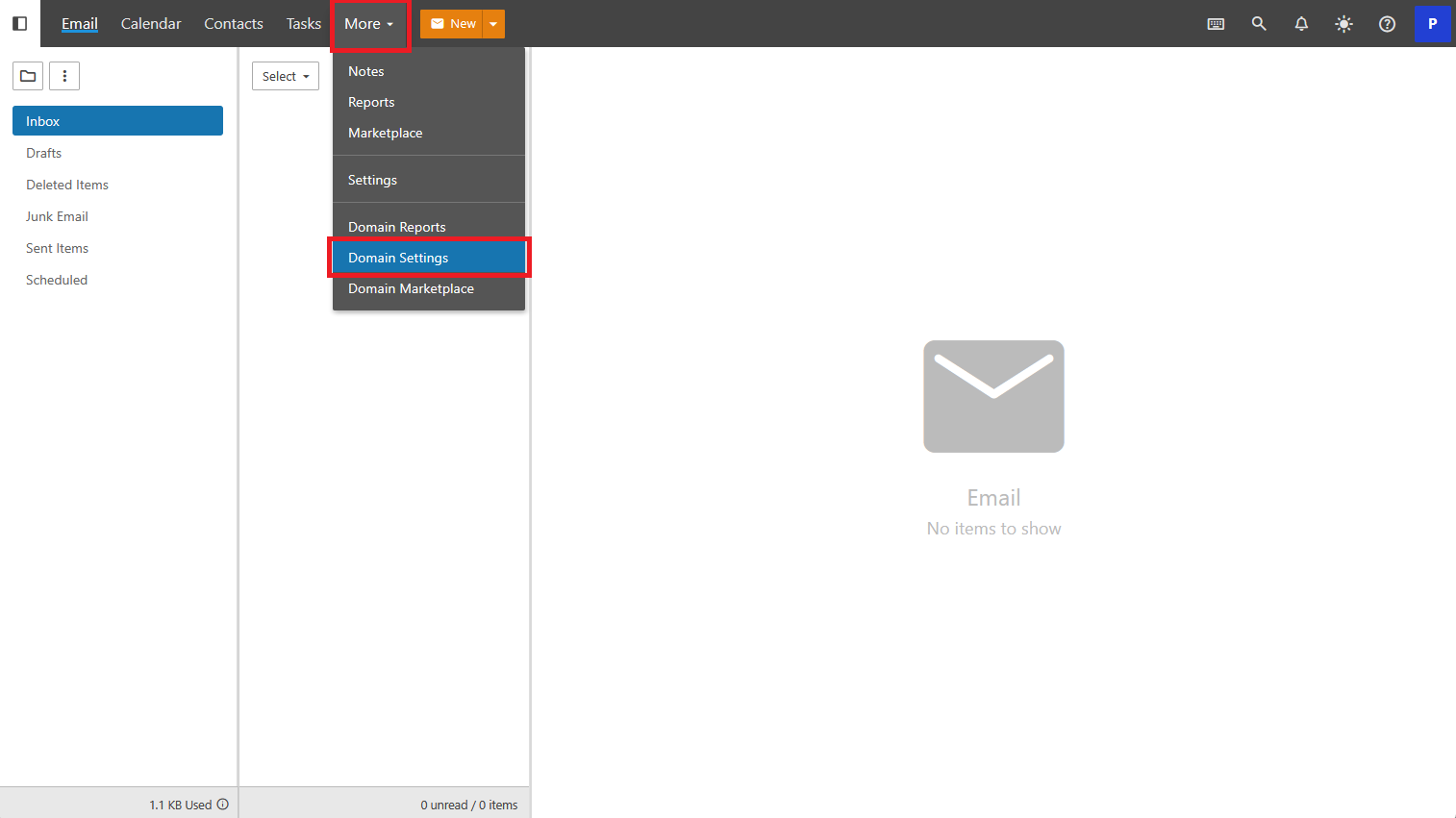
Click on More in the top menu navigation then select Domain Settings.
Your Users
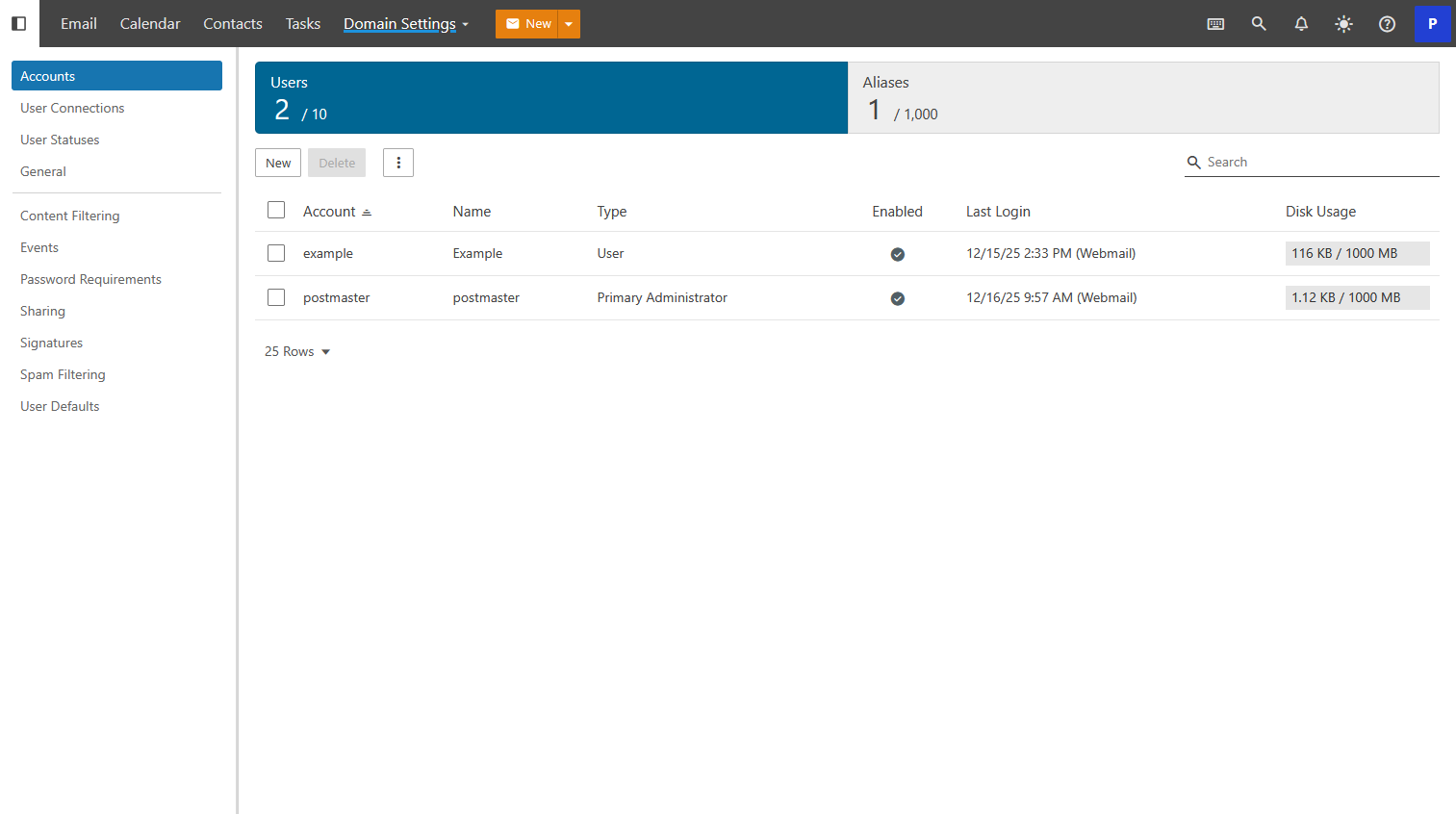
If you are not already in the right section, click Accounts on the left navigation. From the Accounts Screen, click or tap on a User. This will bring you to the individual User’s settings.
Start the Change Password operation
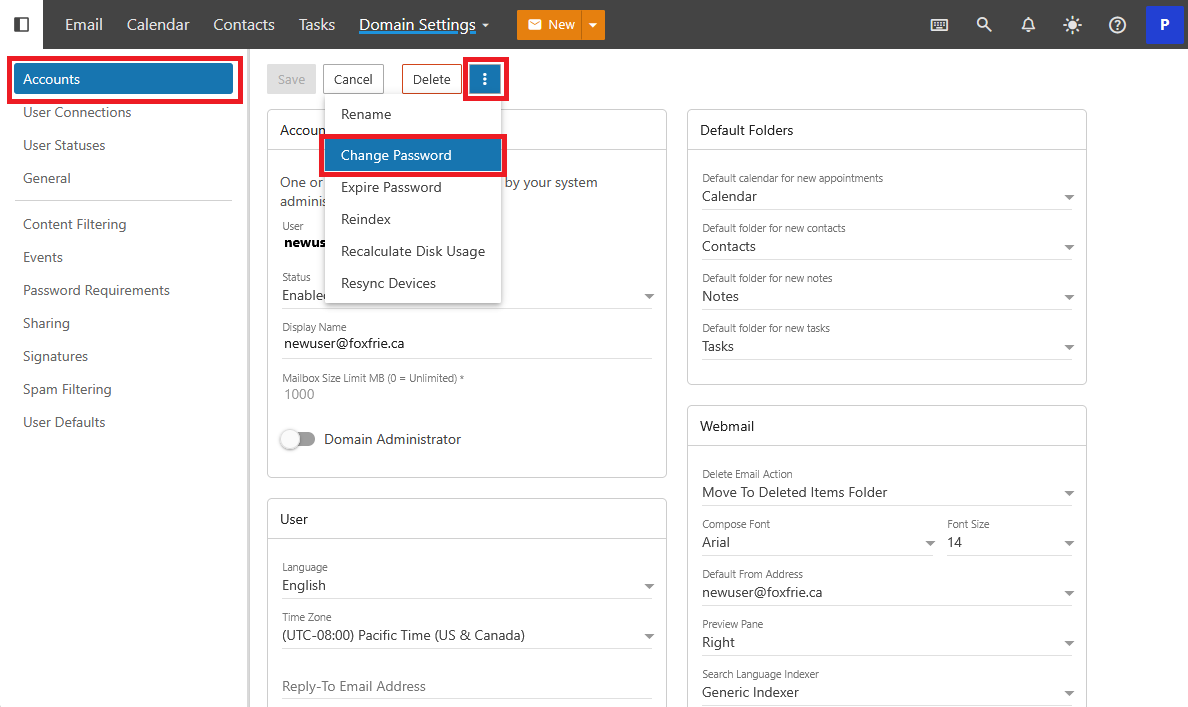
To change the password click on triple-dots menu and select Change Password.
Change the users password
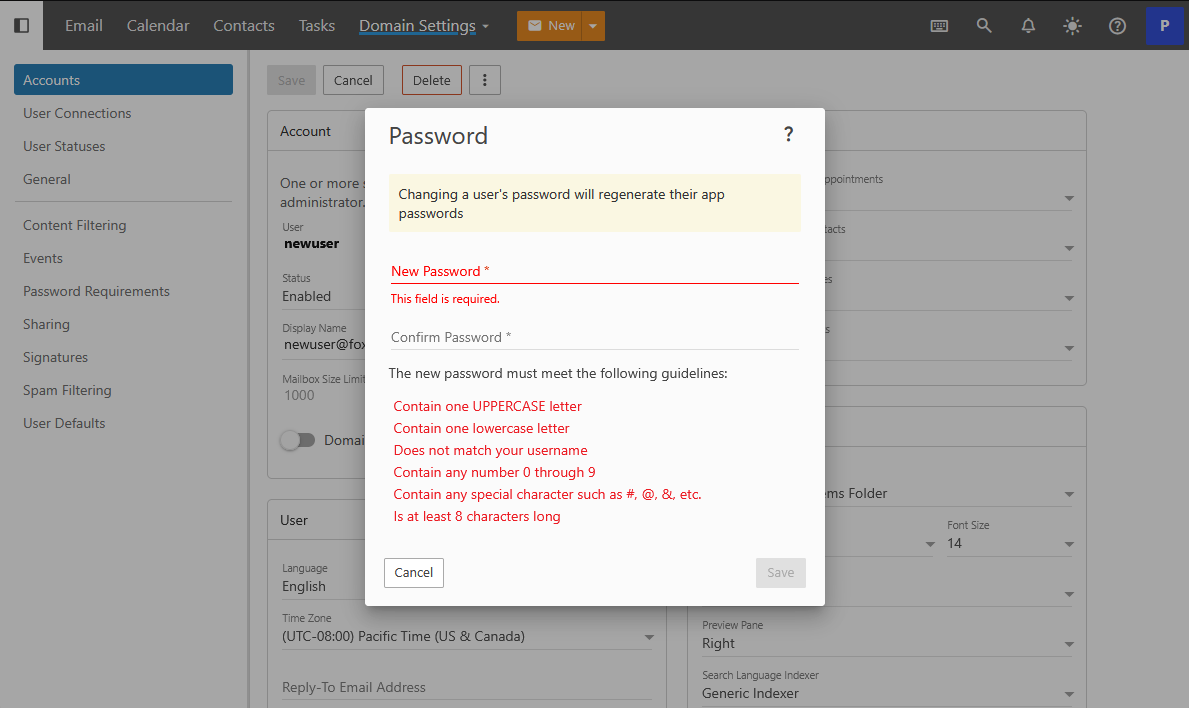
Enter a new password for the user. The new password will have to meet the Domains existing password requirements. When you are done Click or Tap Save.
Confirmation
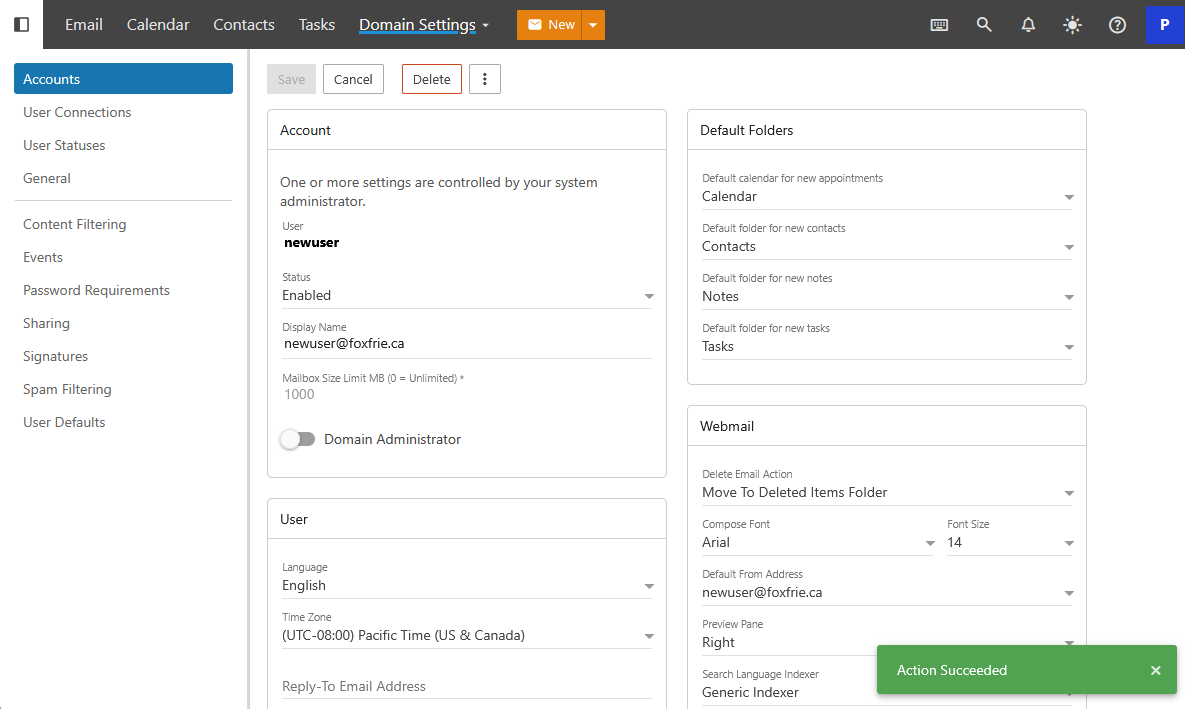
After entering in a new password the system will provide a confirmation prompt that your Action Succeeded.