
This guide will demonstrate how to share a file using the file sharing feature. This will allow you to send large files by providing a link to the file and the individual receiving your link can download the file to their local machine. This is useful for sharing large files that otherwise cannot be sent through messaging services or email.
-
- Login to the Web Client.
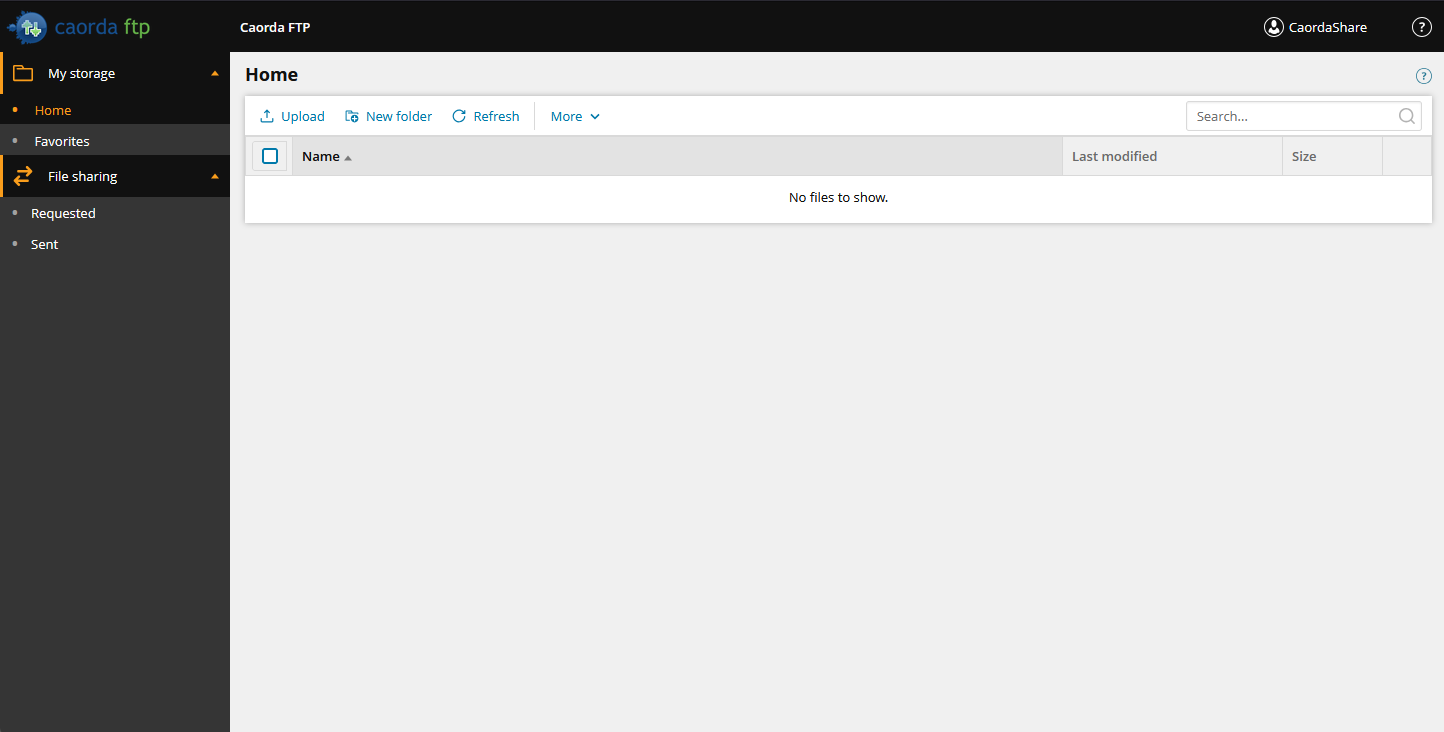
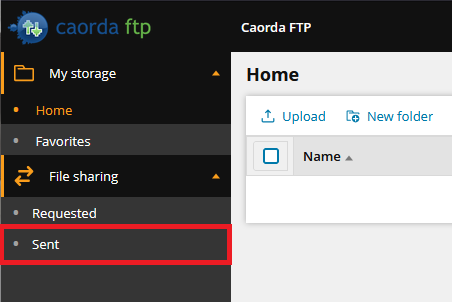
- Select the Sent page from the navigation.
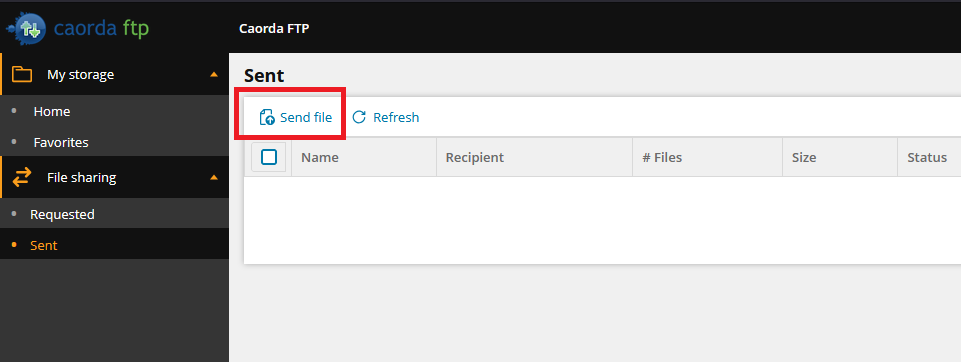
- The Sent page contains a list of your current and expired file sharing requests. To create a new file share click Send File.
- After clicking Send File a pop-up will appear where you can enter the details of your new file sharing link. Enter a Title and an optional Description to better describe it’s purpose.
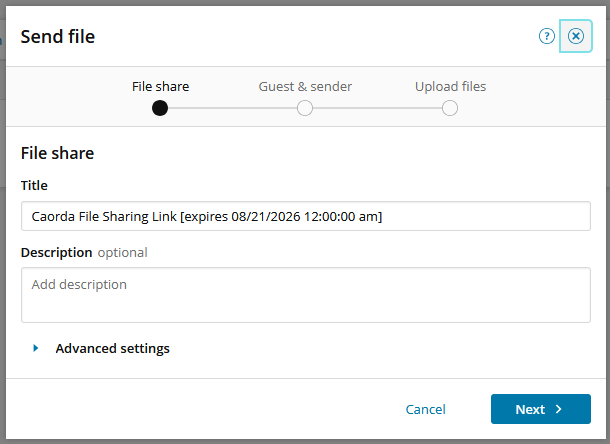
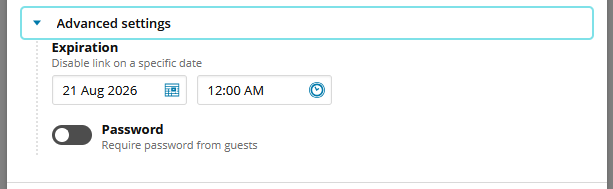
You also have the option to have this file sharing link expire after a certain date, or to password protect this file share so that the receiving user must enter the password to download the files. To access these options select Advanced Settings.
- When you have your file sharing details entered click Next.
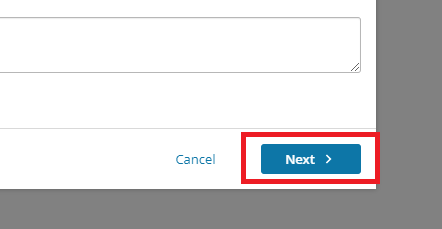
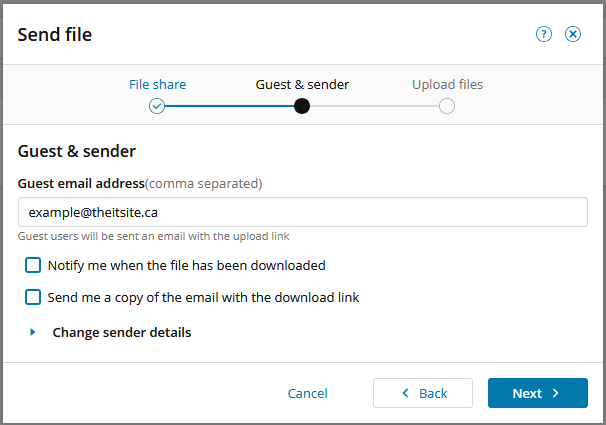
- The next screen is where you will enter the receiving users email address. They will receive an email with the details of this file share.
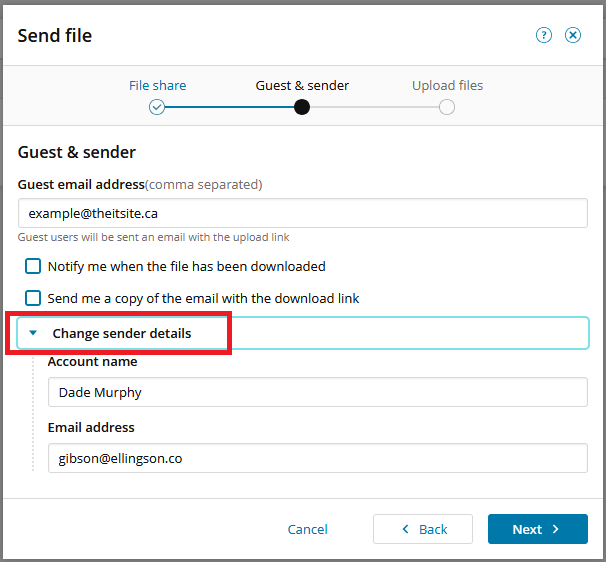
If you would like the email that will be sent to contain your personal information so that the receiving user knows who has sent this email you can provide those details. Click the Change Sender Details drop-down and fill out your email address and name.
Included in these settings you also have the option to receive a notification when the user has downloaded any of the files and to send yourself a copy of the email. When all your details are entered click Next.
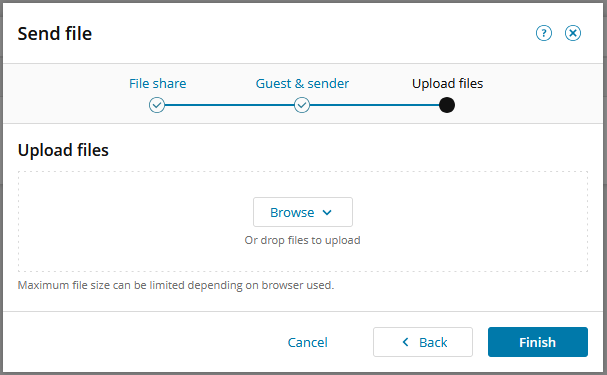
- Now you can upload the files you would like to share. To upload a file you can drag it into the bordered box or you can click browse to upload files.
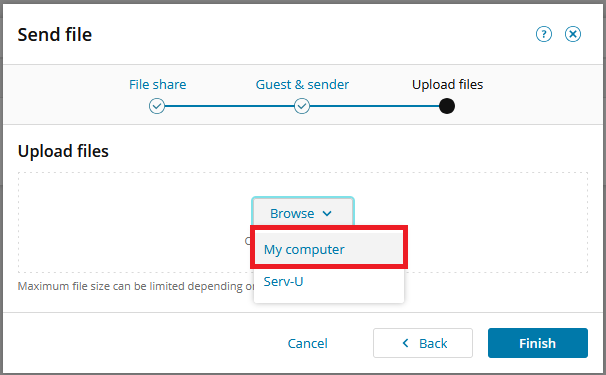
Select My Computer to upload files from your computer to share.
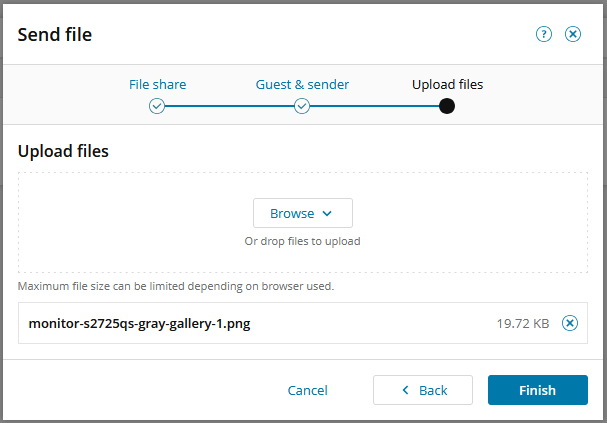
- When you have uploaded your files to share you will see them listed. Click Finish to proceed.
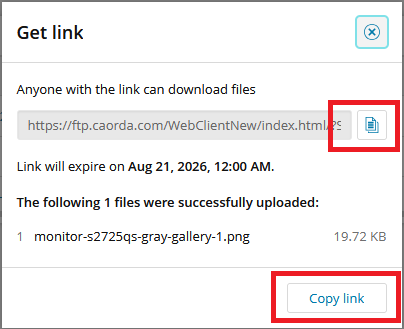
- After clicking Finish, the guest email you have entered will have received an email containing this link. If you would like to share the link with other users you can click copy link.
Your file share is now ready for your Users.
- Login to the Web Client.