
Welcome to your new Email Administration experience. From within the account of your Postmaster you’ll have control over a number of options within your Domains mail service.
Please note for users returning from the previous system, there is no longer two portals for login, only a single unified location.
Login to Administer
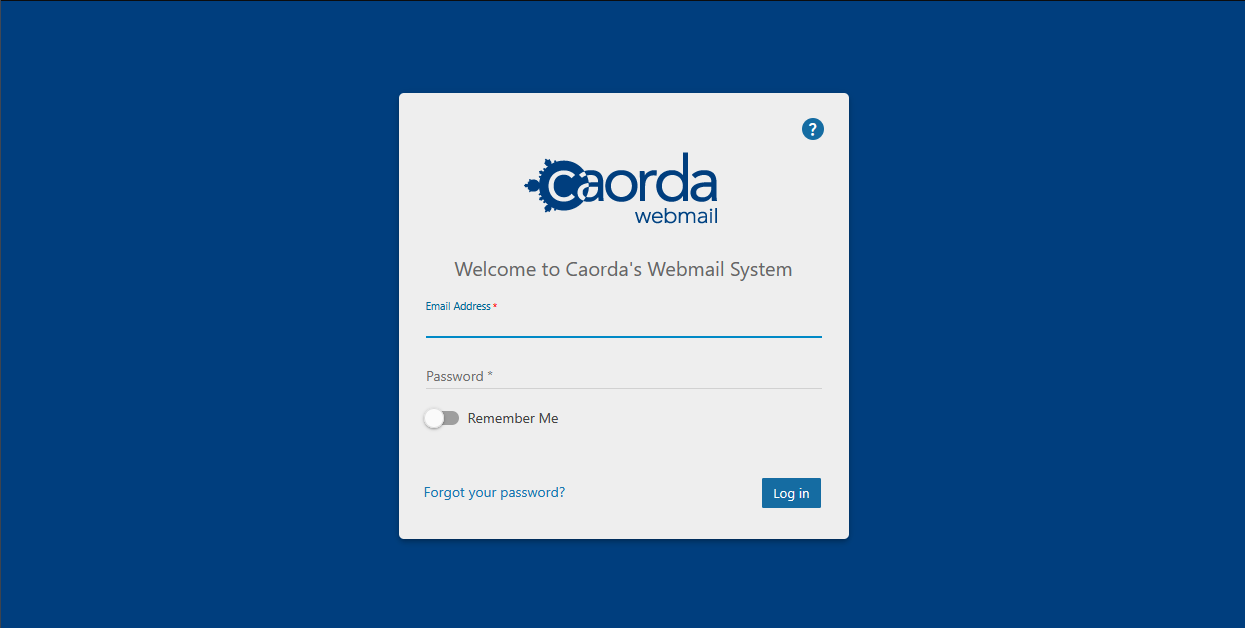
To get started managing your Domain and Users, you will want to login using an account that has been configured as a Domain Administrator. Login using this account and the administration options are available from within the web mail.
Access the Webmail here:
On first login
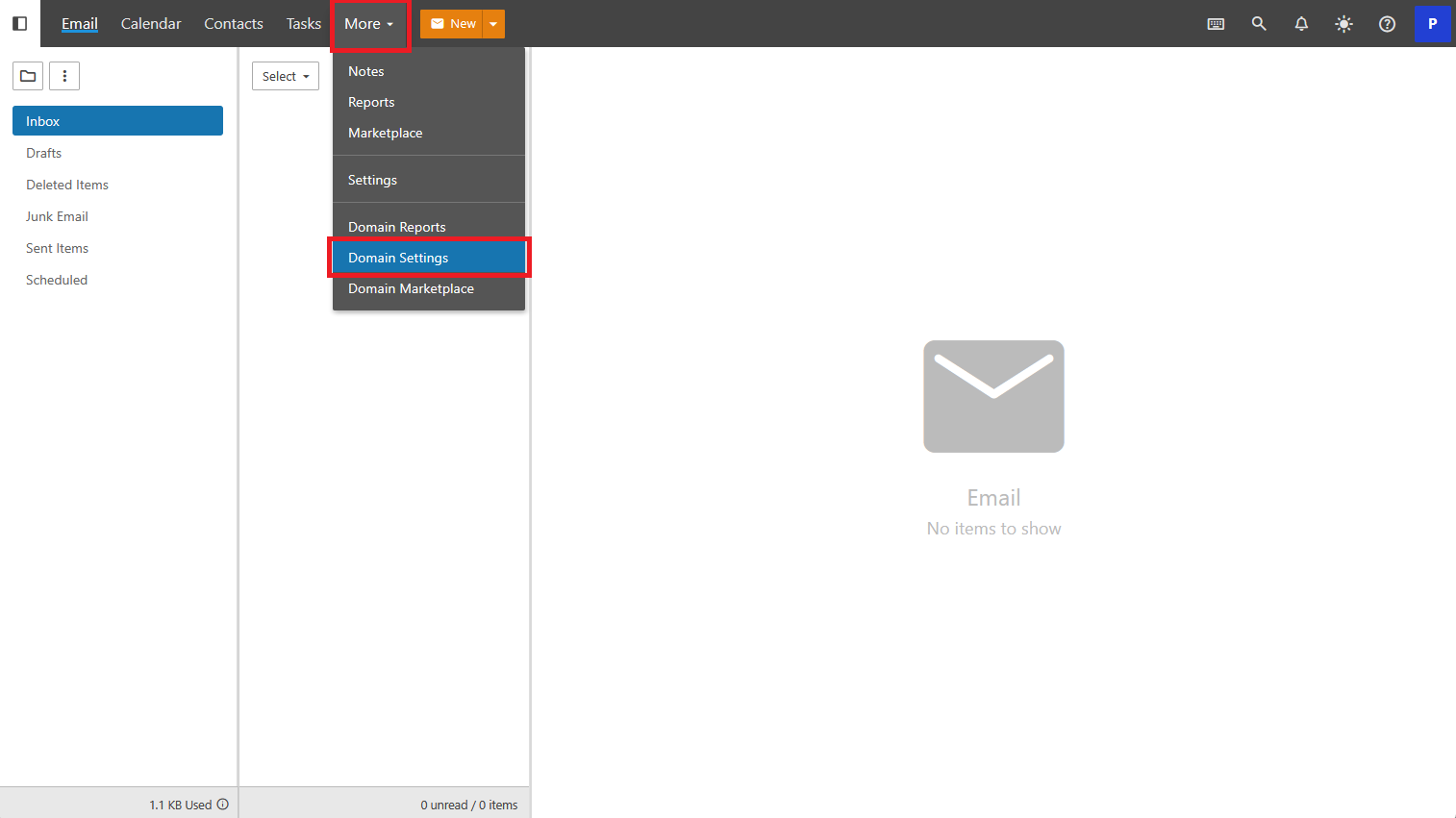
When you first login as the Postmaster or any other Domain Administrator account you will see their inbox. This is normal as these users can also receive emails. To get started click on More in the top menu navigation then select Domain Settings.
Your Users
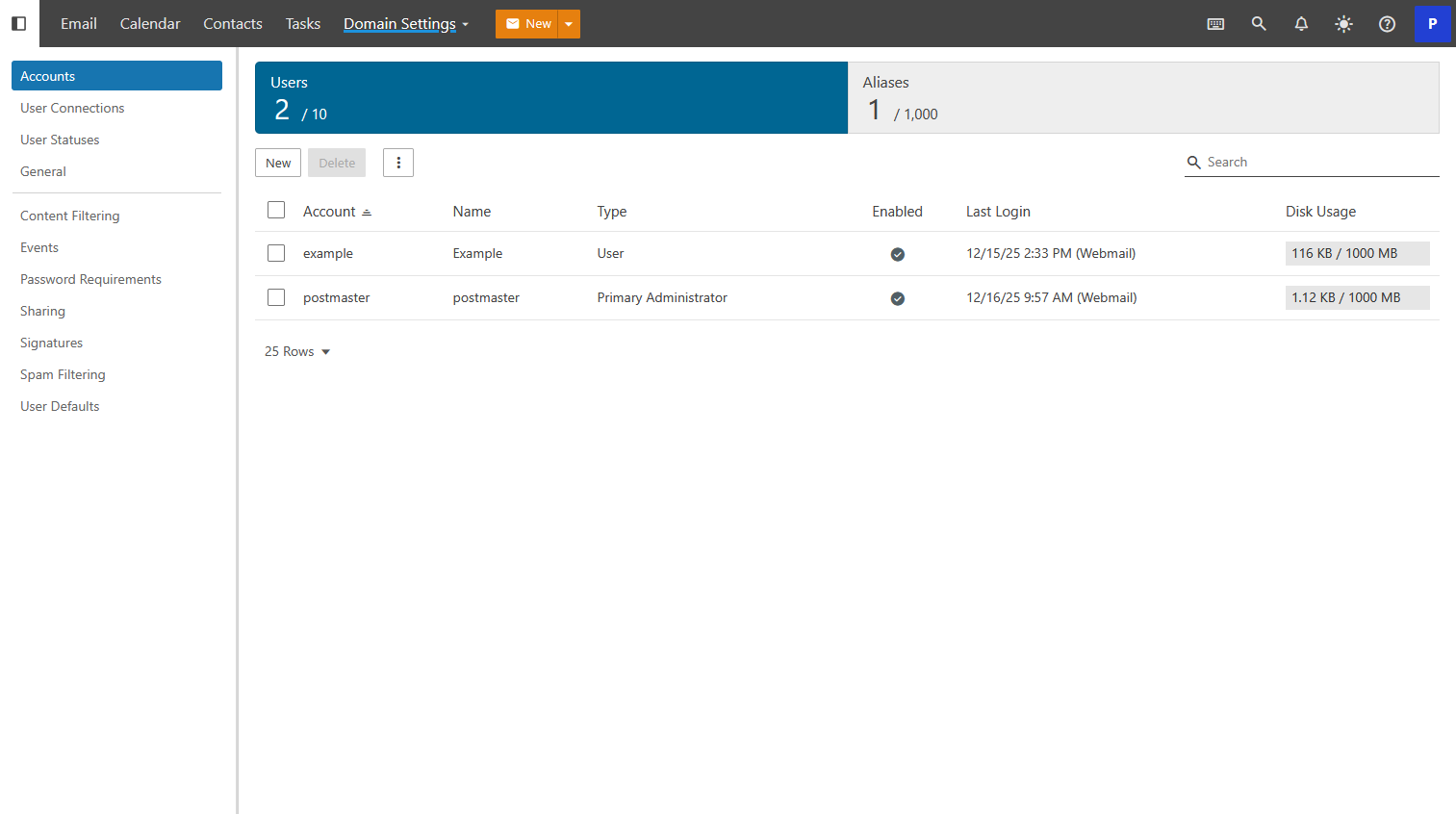
This is the Domain Settings landing page and list of accounts. From here you can see a quick glance of your users and their usage. You can click into each account to edit it from here or perform bulk actions by selecting more than one account.
Options Available
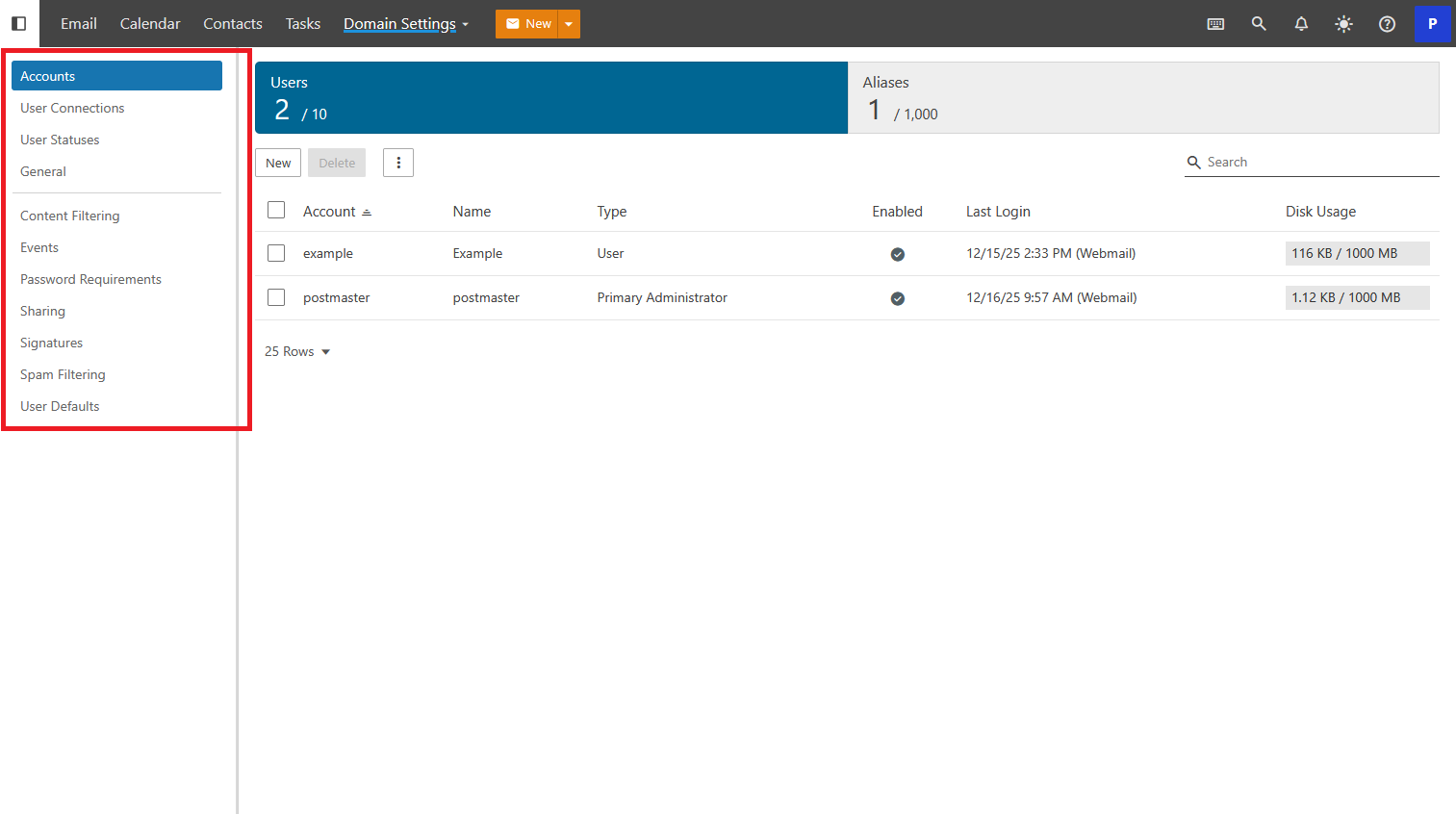
There are a number of options available to Administrators allowing for control of the Domains email service. Select any from the side bar navigation to get started.