
When you’re not able to reply to inbox messages right away, Caorda Webmail lets you set up an auto‑response that will send a reply to anyone who emails you. The Auto Responder can deliver a customized message for contacts within your own domain as well as for external senders, so you can tailor the response to each audience.
Getting Started
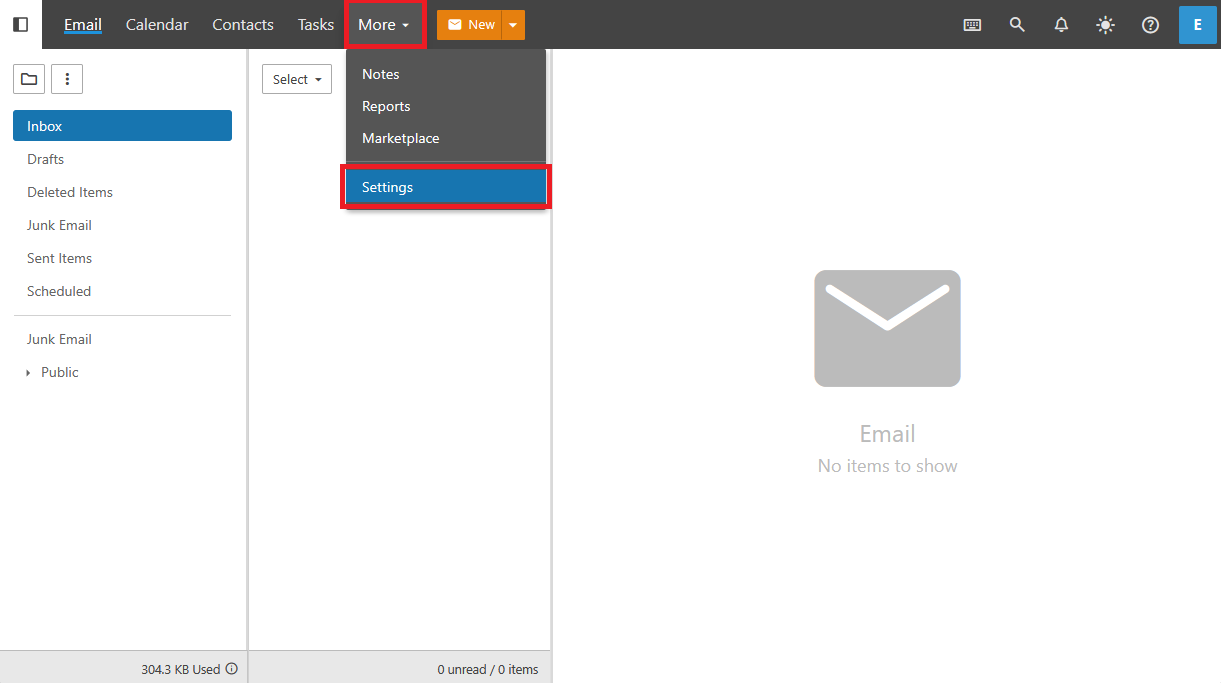
To get started Login to your webmail. Navigate from the More menu in the top Navigation, then select Settings.
Enable and Customize
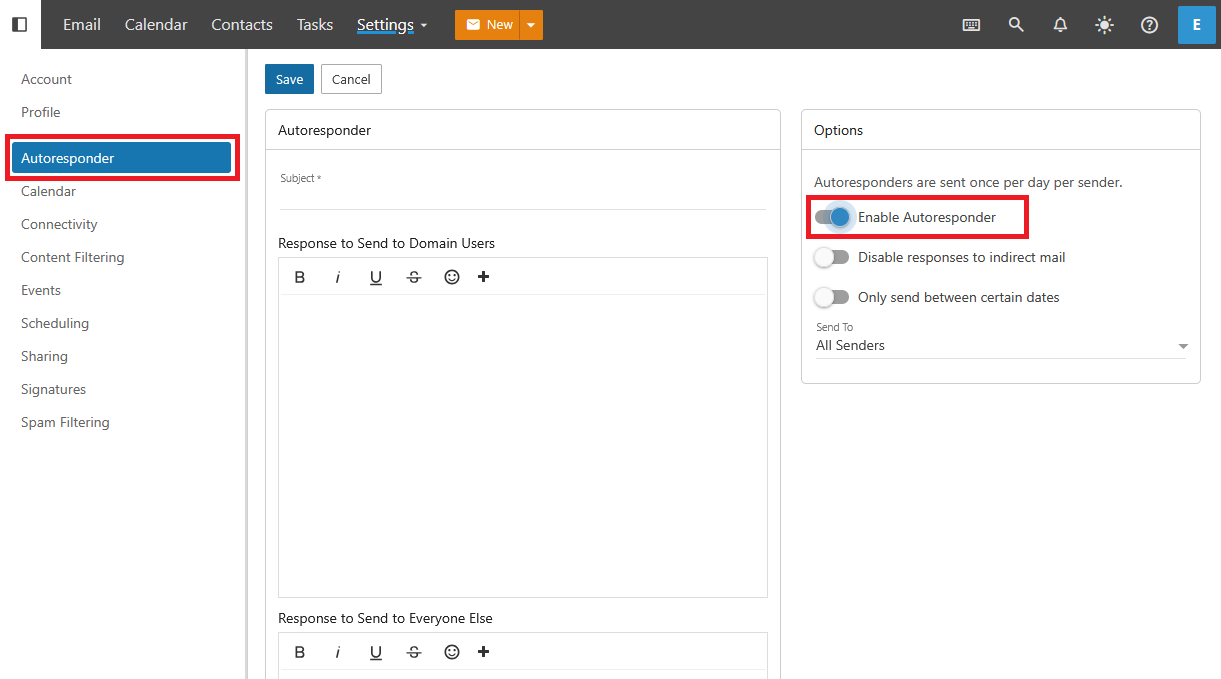
On the left navigation menu select Auto Responder. Toggle the option to enable the Auto Responder and customize your message.
If the Auto Responder is not available on the left navigation contact your Post Office Administrator.
Select a Date Range
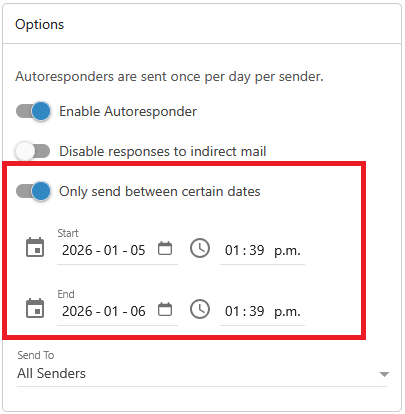
If you would like this auto response to only function during a certain range of dates you can Select Only send between certain dates then choose a start and end date for the Auto Responder.
A unique voice
There are two fields available for use for the Auto Responder.
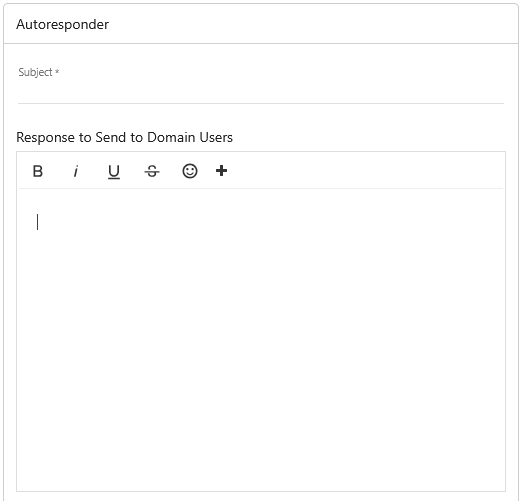
“Response to Send to Domain Users” sends to anyone internal to your domain.
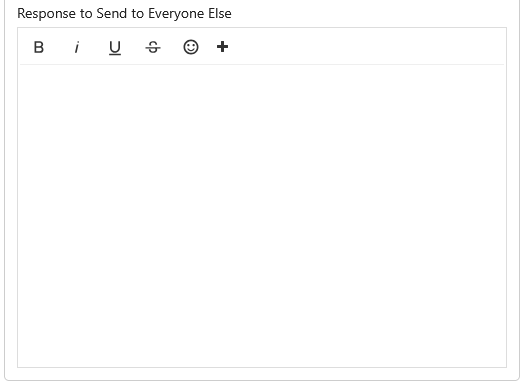
“Response to Send to Everyone Else” is used when you would like to set an auto response to anyone external to your domain.
This allows you to customize the response sent depending on where the message had come from. If you do not need a custom message to members internal to your domain you can leave that field empty and focus on the field “Response to Send to Everyone Else”.